
Convert Video to 4K Online — AI 4K Video Converter
Use our AI 4K video converter to upscale 720p or 1080p footage into sharp 4K with natural detail, stable motion, and clean edges. Trained on millions of frames, it restores texture, reduces noise, and preserves color while keeping footage cinematic. Upload your video file, preview, and convert to 4K in minutes—free and online. No watermark exports.
🎁 6 Free Trial Credits Available For First-registered Users
Convert Video to 4K
Upload Your Video
Drag and drop your video here, or click to browse
Supported formats: mp4, mov, webm, m4v, gif
No video? Try one of these
4K Video Converter Use Cases
See where creators, streamers, and marketers convert video to 4K for professional results. From restoring archive footage to publishing crisp social clips, our AI makes it easy to convert video to 4K with consistent clarity and motion stability.
Restore Old Footage with High Fidelity
Repair soft VHS, DV, and SD recordings with modern clarity. Convert video to 4K to rebuild textures, reduce noise, and stabilize edges so family films, documentaries, and interviews look vivid without plastic smoothing.


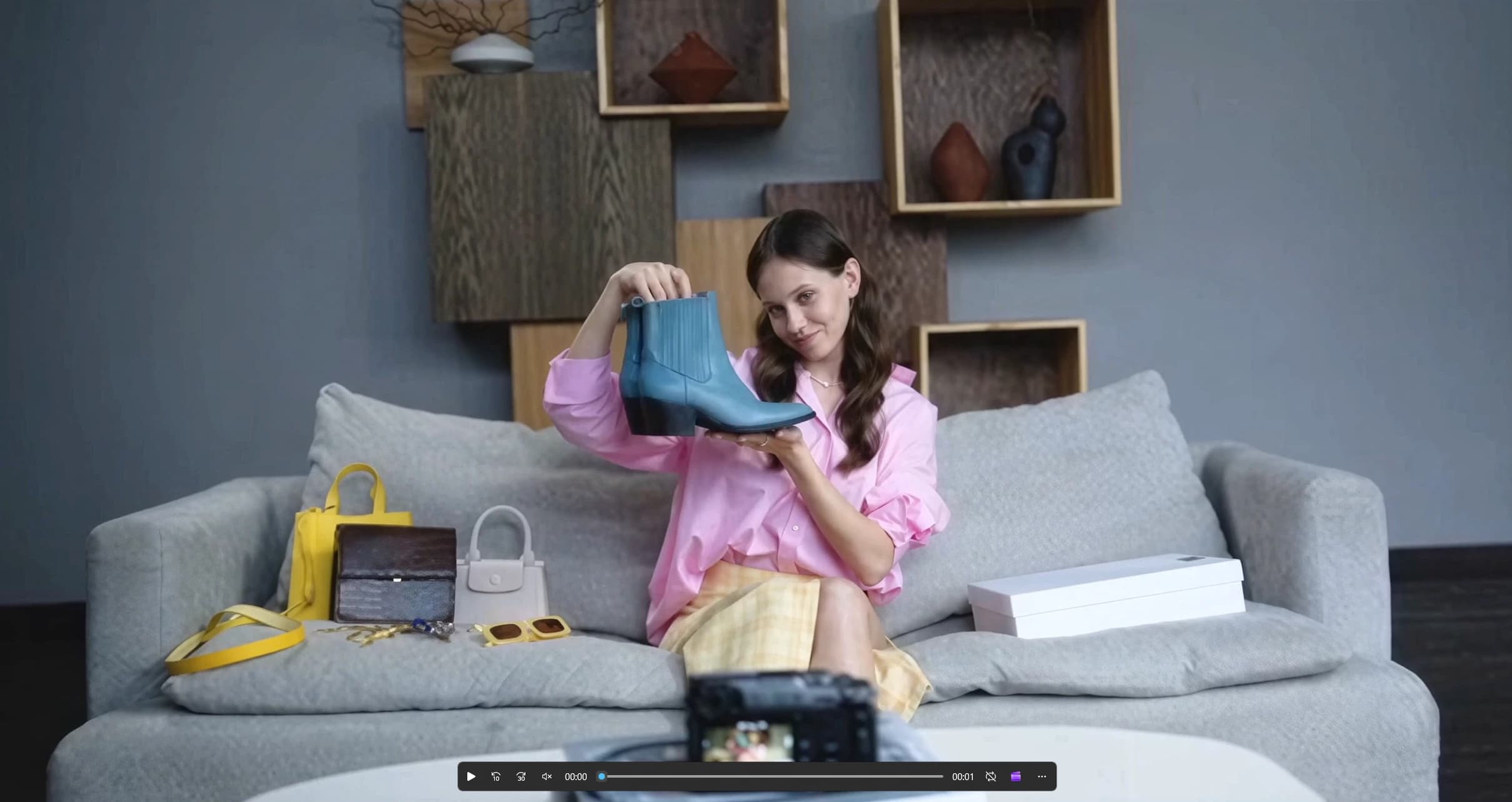
Level Up Your Product Sales
Publish sharper content that stands out on 4K screens. Convert video to 4K for sale vlogs to improve on-screen text legibility, fine details, and perceived production value—ideal for business owners and marketers scaling audiences online.
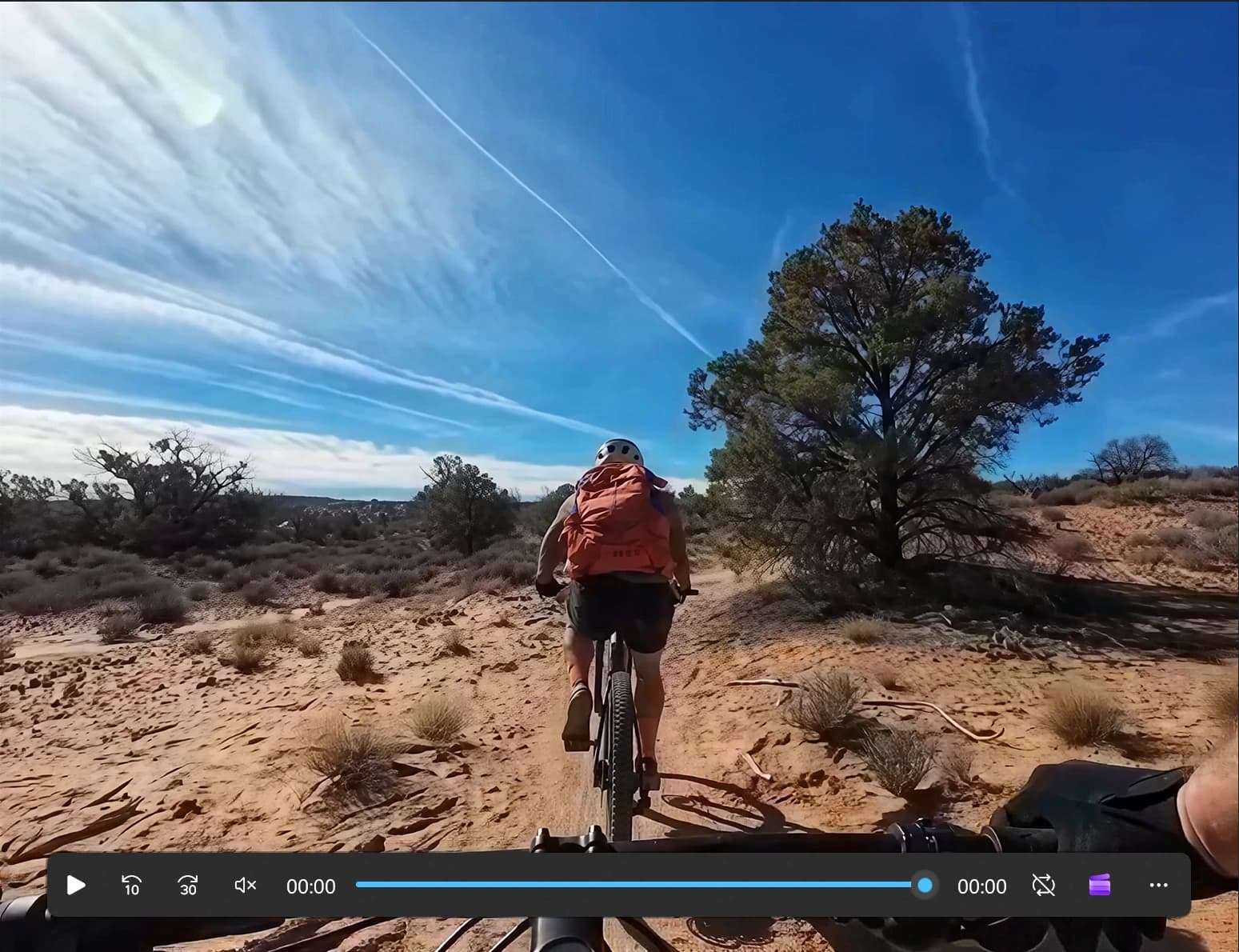
Suitable for Action & Sports Clips
Our 4K Video converter is tailored for action/sports content, turning fast motion into clean, fluid visuals. It cuts judder, stabilizes edges, and reveals crisp micro-details in fast pans, drone shots, and POV clips—elevating your dynamic footage.
Perfect Video 4K Converter for Social Media
AI-powered to convert videos to 4K, enhance quality and clarity, and ensures smooth playback. Share seamlessly on YouTube, TikTok, Instagram, and beyond to capture attention and grow your follower base.
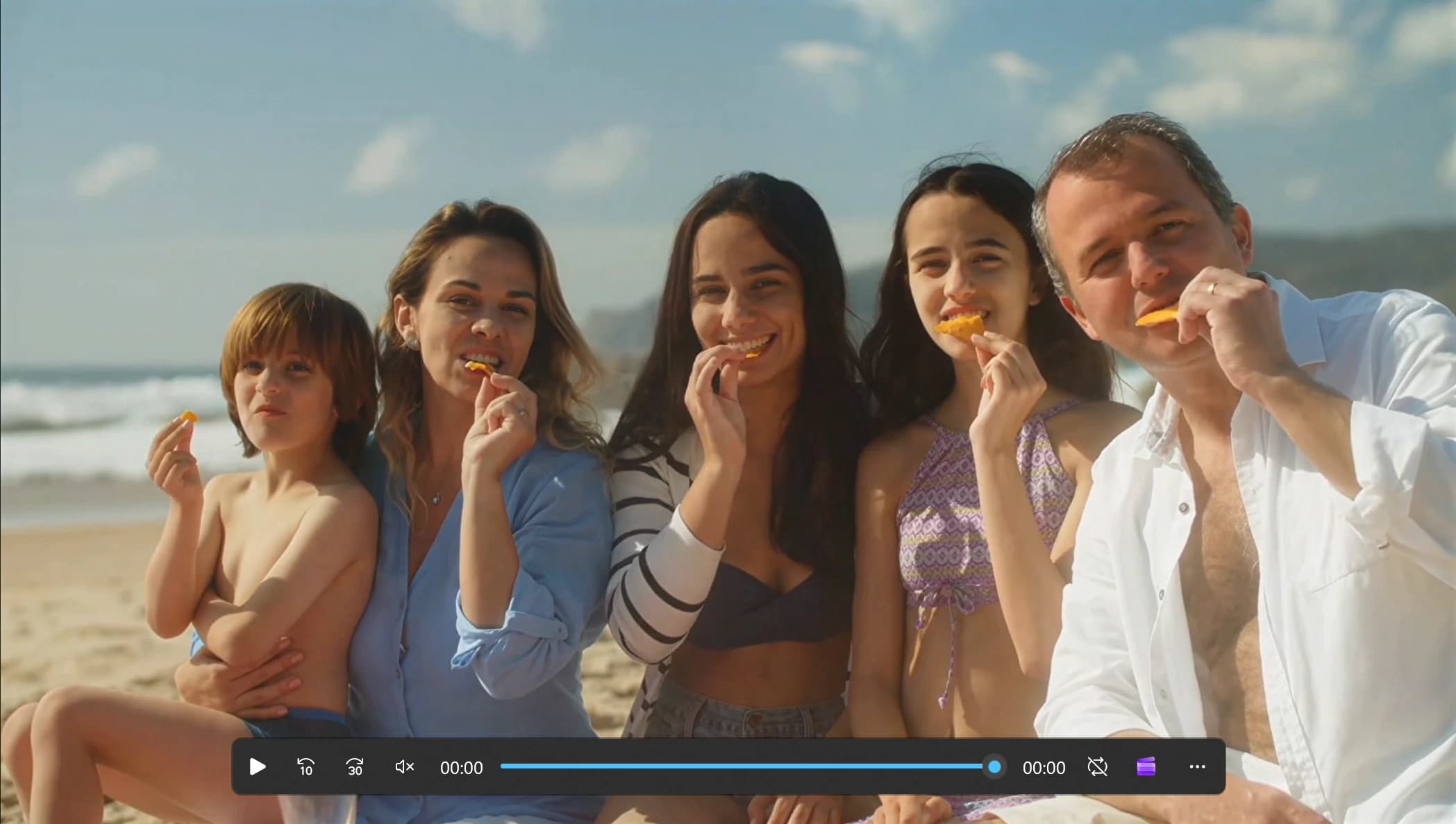
How to Convert Video to 4K
Follow four simple steps to convert video to 4K with AI. Upload, choose output resolution and format, enhance, then preview and export—no installs, truly online, and beginner-friendly. Works on laptops and mobiles, and supports popular formats including 720p and 1080p sources.
Why Choose Our AI 4K Video Converter
Built on advanced super‑resolution and motion analysis, our engine helps you convert 720p or 1080p footage to 4K with true detail, stable edges, and natural color—fast, online, and free to try. Preview changes frame by frame before export.
True 4K Upscaling with high fidelity
Rebuild fine detail while preserving cadence and motion blur. Convert video to 4K for smoother playback that still looks cinematic and clean.
Detail Reconstruction & Anti‑Aliasing
Predict texture, text edges, and small objects. Convert video to 4K with fewer jaggies and moiré thanks to adaptive anti‑aliasing trained on real‑world frames.
Motion‑Consistent Enhancement
Temporal models track objects across frames so detail stays stable. Convert video to 4K without shimmer or flicker in pans, drone passes, and fast action sequences.
Noise, Deblock, Compression Cleanup
Reduce blockiness, ringing, and mosquito noise common in web encodes. Convert video to 4K while cleaning artifacts, keeping skin tones natural and edges crisp.
Color Fidelity & HDR‑Aware
Maintain color constancy and micro‑contrast from SDR and pseudo‑HDR sources. Convert video to 4K with pleasing saturation and consistent tone mapping across scenes.
Formats & Workflow Ready
Import mp4, mov, webm, m4v and gif; export widely compatible 4K files. Convert video to 4K within modern pipelines and hand off to editors without rewrapping hassles—fully online.
FAQs About Converting Video to 4K
Answers to common questions about how we convert video to 4K, supported formats, speed, and best practices for creators working online with a free trial.
How does your AI convert video to 4K?
Our models are trained on millions of real‑world frames to predict missing detail between pixels and frames. They track motion, rebuild texture, and stabilize edges so when you convert video to 4K the output remains sharp without shimmer or halos.
Is there a free way to convert video to 4K online?
Yes. New users receive a free trial to convert video to 4K online. Upload a clip, choose output resolution and format, preview the result, and export—no desktop installation required.
Which sources convert best to 4K?
Clean 240p, 360p, 480p, 720p and 1080p footage converts exceptionally well. You can convert video to 4K from SD or old camcorders too; enabling denoise and deblock helps reduce compression artifacts for more natural results.
How long does it take to convert video to 4K?
Most short clips finish in minutes. Longer projects depend on duration, resolution, and format selection.
What formats can I upload and export?
Upload mp4, mov, webm, m4v and gif. Export 4K mp4, mov, webm, or gif optimized for web platforms and NLEs. You can convert video to 4K without manual rewrapping in most pipelines.
Will converting to 4K change the look of my footage?
The goal is fidelity. We convert video to 4K while preserving color and motion characteristics. Controls for denoise, deblock, and sharpness help you fine‑tune results to match the original style.
Can I convert 1080p or 720p videos to 4K?
Yes. The AI 4K video converter is built to upscale 720p and 1080p sources into sharper 4K output. Upload your clip, choose 4K, and preview the enhanced result.
Does MP4 to 4K work online?
Yes. Upload MP4 files directly and export 4K MP4, MOV, WebM, or GIF. The workflow is fully online and optimized for fast previews.
Can I convert my YouTube videos to 4K?
If you own the content and have the video file, you can upload it and upscale it to 4K. We do not support pasting YouTube links or downloading videos directly.
How do you handle privacy and retention?
Your uploads are used only to process and deliver the enhanced result. We minimize retention and keep files only as long as needed for processing and download. If you need immediate removal, contact support.
What is your refund policy?
In most cases, all purchases are final and non-refundable because digital services (such as credits) are considered consumed upon purchase. We reserve the right to issue a refund for technical issues that occur after purchase.
Convert Video to 4K in Minutes with AI
Upload, preview, and convert video to 4K with lifelike detail—start free, then upgrade when you’re ready.